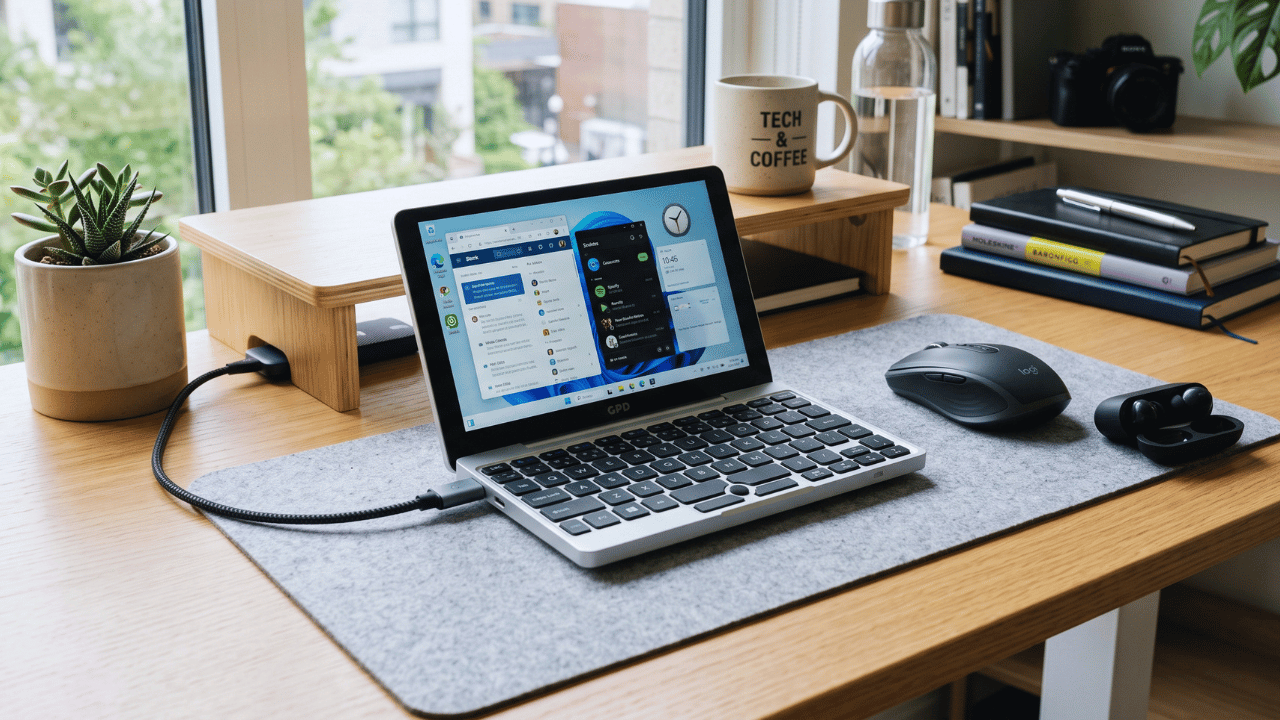
This post is all about the best mini laptops to becoming the ultimate on-the-go tech guru who never lugs a heavy bag again.
Let’s be honest: full-size laptops are basically carry-on luggage at this point. If you want something that disappears into a backpack, fits open on an economy tray table without elbowing your neighbor, and still gets real work done, you don’t need the 15-inch aisle. You need a mini laptop, and in 2027 the category has quietly stopped being a compromise. Here are the five worth your money, what they actually cost, and who each one fits.
– Battery capacity is on the smaller side, so think “focused work sprint” rather than “unplugged all-day marathon”
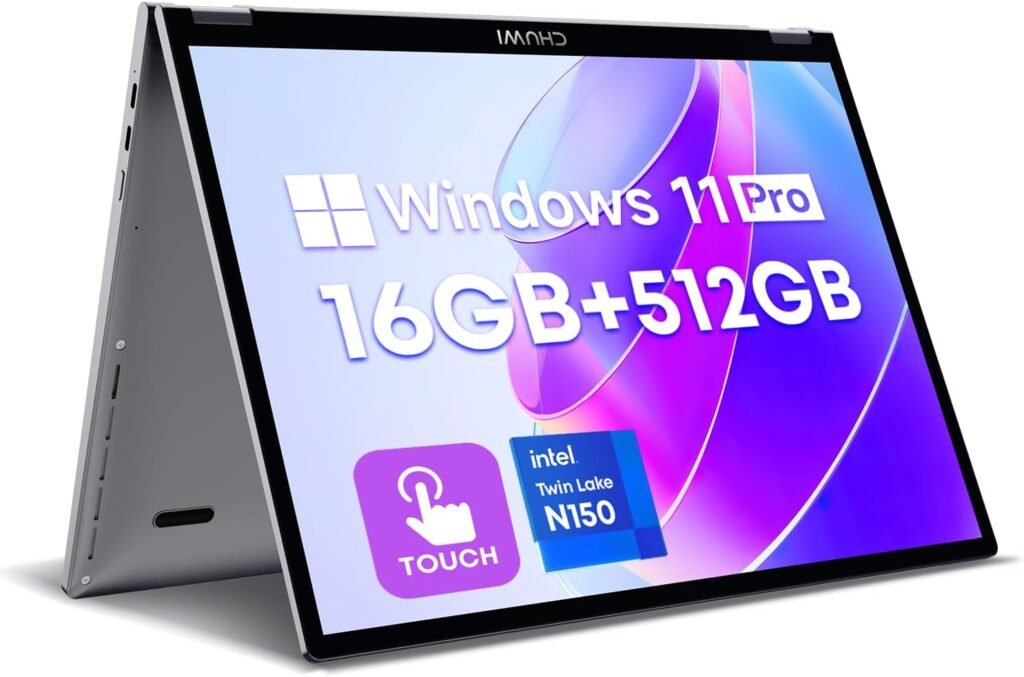
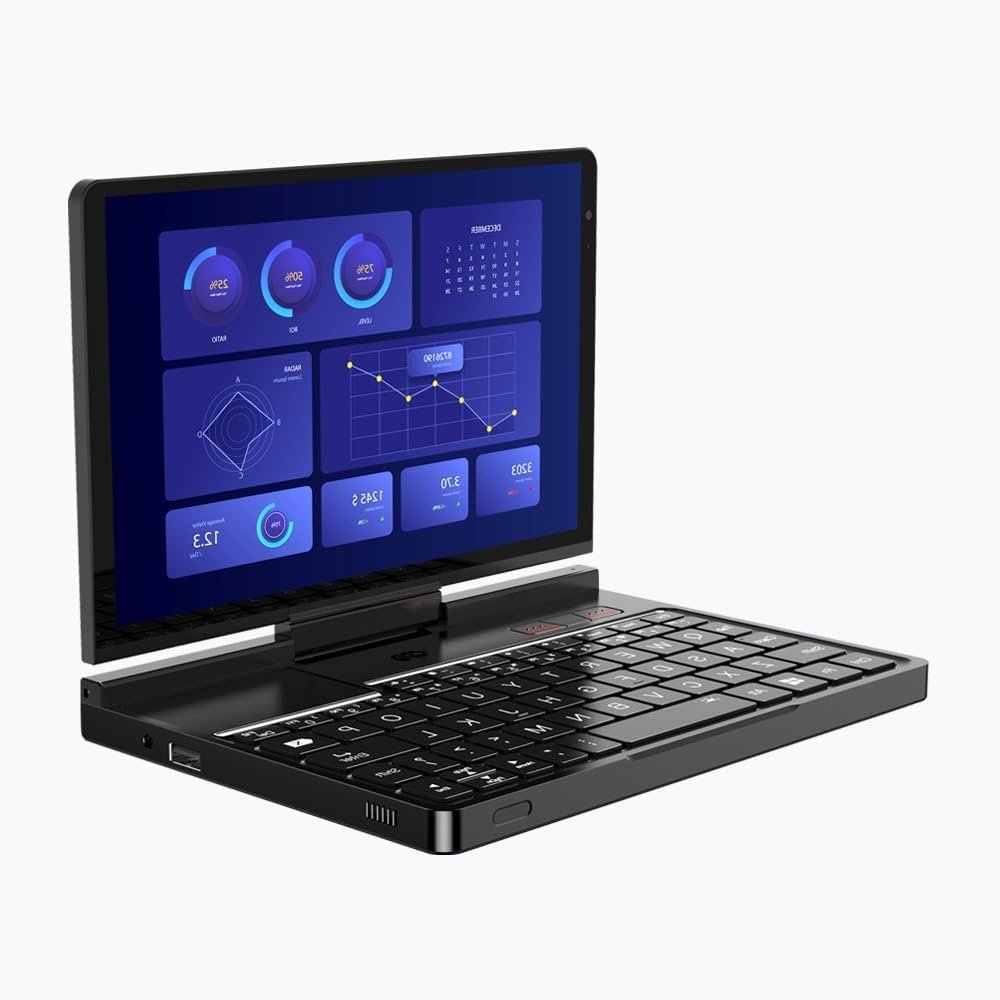
Most mini laptops earn their small size the old-fashioned way: by quietly gutting the specs until nobody’s looking too closely. The MiniBook X didn’t get that memo. It’s a real 16GB/512GB machine that just happens to be small, which is exactly why it’s the strongest all-around pick on this list.
Physically, it’s a metal 2-in-1 with a 16:10 touchscreen, which gives it slightly more vertical breathing room than the 16:9 panels on cheaper rivals the kind of detail you only notice once you’re scrolling a long document and realize you’re not fighting the screen for it.
Day to day, the 16GB of RAM is the real headline. That’s enough to keep a dozen browser tabs open next to a document or spreadsheet without the grinding slowdown that plagues 4GB budget machines. It won’t moonlight as a video-editing rig, but for students, travelers, and anyone who wants one genuinely capable laptop that fits in a small bag, it just quietly works.
Best for: anyone who wants a single mini laptop that can be their only laptop. Tighter budget? The HP Stream 11 below gets you into Windows for less you’ll just be trading away a good chunk of that headroom.
2. HP Stream 11
Proof that “cheap” and “usable” aren’t mutually exclusive – most of the time
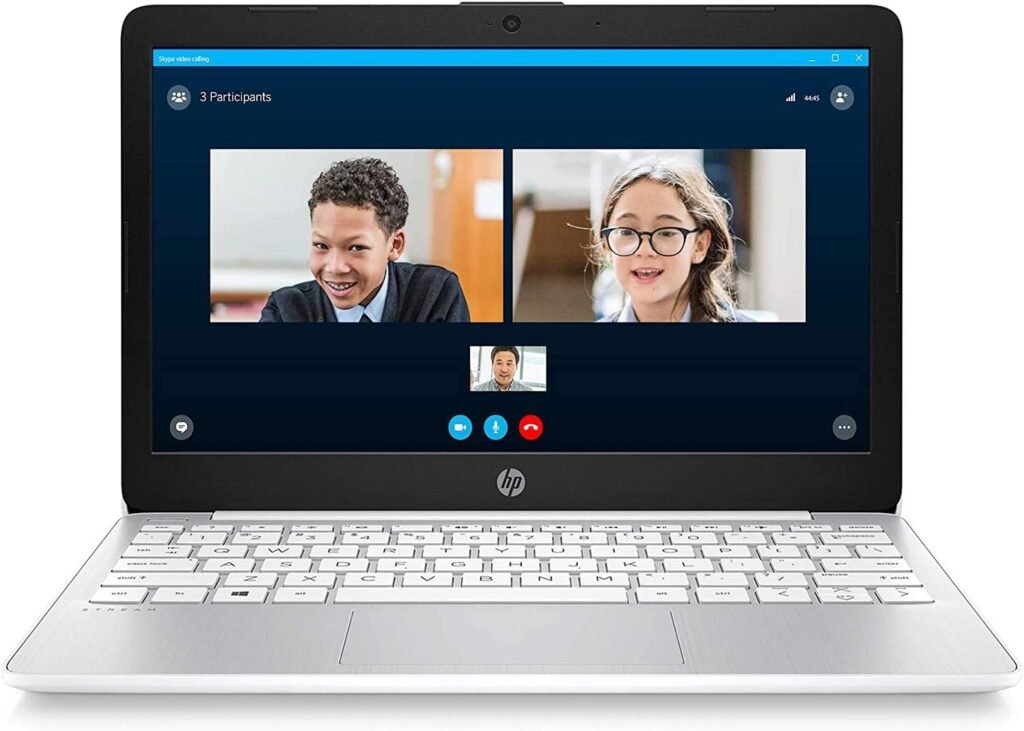
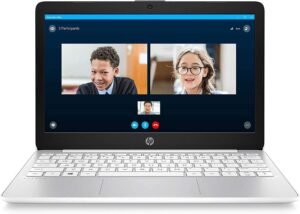
Size: 11.6″ HD display (1366 x 768) Weight: ~3.2 lbs CPU: Intel Celeron N4020 RAM/Storage: 4GB RAM, 64GB eMMC storage
Reasons to buy
+ Lowest price point on this list, often under $250
+ Battery life rated up to 13 hours
+ Genuinely usable for browsing, email, and document editing
+ Good option as a kid’s first laptop or a travel backup
Reasons to avoid
– 4GB of RAM and eMMC storage start to wheeze once you stack more than a handful of browser tabs
– 1366 x 768 resolution is a noticeable step down from the touchscreens elsewhere on this list
If your mini laptop’s entire job description is email, browsing, and the occasional streaming binge, the Stream 11 gets you into Windows 11 for less than anything else here. It’s not a machine you multitask hard on think of it as a very capable one-thing-at-a-time laptop but as a second machine, a first laptop for a kid, or a travel spare you won’t cry over if it gets lost, it earns its keep.
The tradeoff for that price shows up under the hood: 4GB of RAM and eMMC storage instead of a true SSD, which is noticeably slower once you push past basic tasks. The lower-res screen is the other giveaway that this isn’t the premium pick.
Where it wins is battery life and sheer simplicity there’s very little on a machine this basic that can go wrong, and 13 hours of battery makes it genuinely grab-and-go.
Best for: the tightest budgets, or a dedicated basic use laptop.
+ Detachable keyboard doubles as a standalone 11″ tablet
+ ChromeOS boots in seconds and, refreshingly, doesn’t get slower with age the way Windows machines tend to
+ Strong battery life, commonly rated near a full day of mixed use
Full-metal chassis feels sturdier than the price tag implies
Reasons to avoid
– ChromeOS is a real wall if you need desktop software with no web or Android equivalent
– 4GB RAM taps out around 4-6 open tabs before things get sluggish
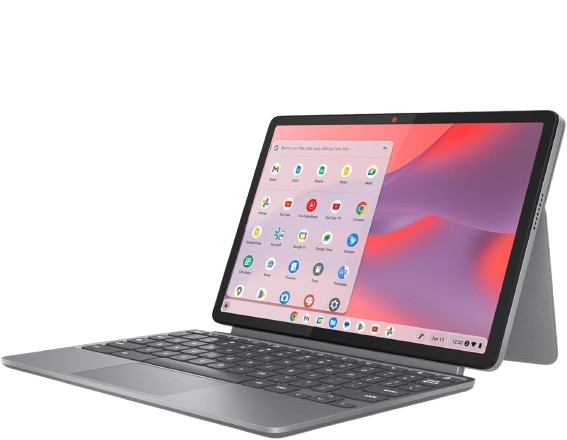
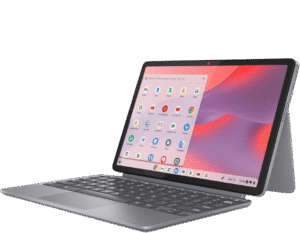
The Duet trades Windows for ChromeOS, and if your job lives entirely in Gmail, Docs, and browser-based apps, that’s less a compromise than a genuinely good deal – after all, ChromeOS doesn’t accumulate the background bloat that slows Windows machines down a year in.
Beyond the software, the 2-in-1 design is the other selling point: pop the keyboard off and it’s a capable 11-inch tablet in its own right, magnetic kickstand included. Build quality punches above its price too, with a metal chassis instead of the all-plastic feel you’d expect here.
That said, the ceiling is real – stack more than a handful of tabs plus something running in the background, and the 4GB of RAM starts tapping you on the shoulder.
4. GPD Win Max 2
The one that makes you double-check you didn’t accidentally order a small desktop
RAM/Storage: up to 64GB LPDDR5x RAM, Gen4 SSD storage
Reasons to buy
+ Genuine desktop class CPU and RAM ceiling, not a scaled-down mobile chip pretending otherwise
+ Gen4 SSD storage for fast load times
+ Built-in keyboard makes it an actual laptop, not just a handheld with delusions of grandeur
Reasons to avoid
– The price jumps well past budget territory – this is a considered purchase, not an impulse one
– Marketed primarily as a handheld gaming PC, so laptop duty is the secondary use case here, not the main event
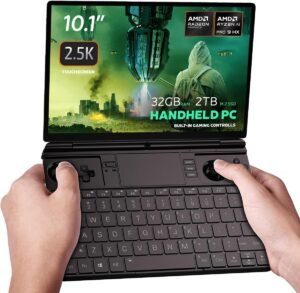
This is the point where mini laptops stop apologizing for their size. The Win Max 2 packs genuine Intel Core or AMD Ryzen U-series hardware with up to 64GB of RAM the kind of spec sheet you’d expect from a 14-inch ultrabook, somehow crammed into something that fits in a jacket pocket.
It’s built first as a handheld gaming PC, and it shows: compact, dense, engineered around performance rather than typing comfort. That said, the keyboard is functional enough that it genuinely doubles as a portable workstation, not just a gaming device wearing a laptop costume.
Best for: developers, gamers, and power users who specifically want full desktop class performance without a full-size laptop. If that’s not you, the price is hard to justify
5. GPD Pocket 4
The “wait, how did they fit that in there” award winner of this list
CPU: AMD Ryzen AI 9 HX 370 (12-core, Zen 5) Display detail: 500 nits brightness, 97% DCI-P3 color coverage
Reasons to buy
+ High-refresh, high-resolution display in a genuinely pocketable size
+ AMD’s Ryzen AI 9 HX 370 is a current, high-end mobile chip -not a cut-down budget part wearing a costume
+ 360-degree hinge for tablet mode
+ Weighs in under 2 lbs
Reasons to avoid
– Premium pricing to match the premium hardware not the pick if “small and cheap” is the goal
– A screen this compact means a cramped keyboard, no amount of clever engineering gets around that
The Pocket 4 squeezes a 2560×1600, 144Hz touchscreen and one of AMD’s current high-end mobile chips into a 770-gram body, which shouldn’t really be possible and yet here we are. Most laptops this small cut corners on the display or the processor to hit a lower price; this one, notably, declines to cut either.
The 360-degree hinge and touchscreen add real tablet flexibility, and at under 2 lbs it’s the lightest laptop on this entire list. The keyboard is inevitably a little cozy at 8.8 inches that’s just physics, and no spec sheet fixes it.
Best for: professionals and content creators who want serious performance in the smallest possible footprint and don’t mind paying for the privilege. If price is the sticking point rather than size, the CHUWI MiniBook X gets you most of the portability for a fraction of the cost.
Mini laptop buying guide: quick FAQ
Mini laptop buying guide:
Frequently Asked Questions
Is 4GB of RAM enough for a mini laptop?
For basic browsing, email, and documents, yes though you’ll feel the slowdown once you stack multiple tabs or apps. 16GB, like on the CHUWI MiniBook X, buys you real multitasking headroom instead of crossed fingers.
Are mini laptops good for gaming?
Standard budget models really aren’t built for it don’t fight the form factor. Handheld-style mini laptops like the GPD Win Max 2 are the exception, since they’re specifically engineered around gaming capable hardware.
What’s the difference between a mini laptop and a tablet with a keyboard?
A true mini laptop runs a full desktop OS (Windows 11 or ChromeOS) with a built-in physical keyboard and trackpad, rather than bolting a keyboard accessory onto a mobile-style OS and hoping nobody notices.
Is a Chromebook a good mini laptop option?
Yes, if your work already lives in a browser. ChromeOS stays fast over time in a way budget Windows hardware often doesn’t though it’s a real limitation if you need desktop only software.
This post is all about the best mini laptops to becoming the ultimate on-the-go tech guru who never lugs a heavy bag again.