Best Laptops Under $500 in 2027: 5 Picks That Don’t Feel Cheap
This post is all about the best laptops under $500 to finally getting a real laptop without the buyer’s remorse.
Budget laptops used to come with an unspoken asterisk: slow chips, cramped RAM, a keyboard that felt like it belonged in a cereal-box prize. That era, thankfully, is mercifully over. In 2027 you can spend under $500 and still get something that boots fast, holds a charge all day, and doesn’t make you apologize for it. So here are the five worth your money.
+ MSRP around $299 undercuts nearly everything else on this list
+ 8-core CPU is genuinely unexpected at this price
+ DDR5 memory, not the older, slower DDR4 still lurking in budget laptops
+ Comfortable keyboard for a machine this cheap
Reasons to avoid
– No keyboard backlight, so late-night typing is a squinting exercise
– 8GB RAM is the practical ceiling here, not a starting point
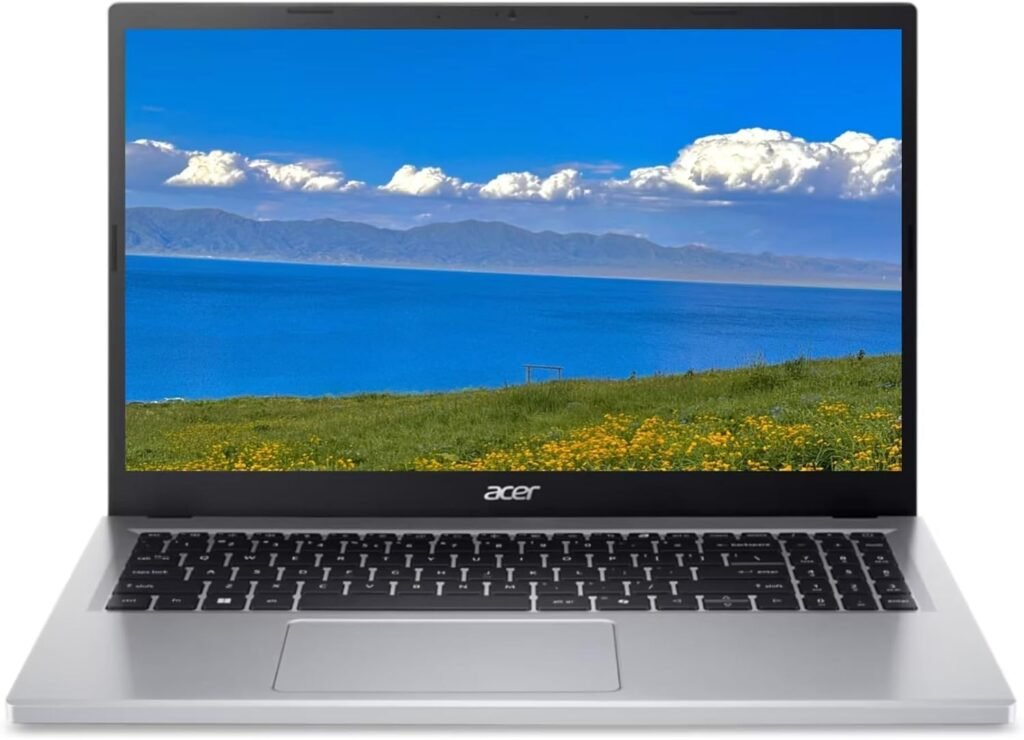
Multiple independent reviewers landed on the exact same verdict here, which almost never happens: this is the best-value laptop under $500 right now, full stop. Specifically, the Core 3 N355 is an 8-core chip, more than you’d expect to find anywhere near a sub-$300 price tag, and it’s paired with DDR5 RAM instead of the older DDR4 still hanging around at this price point.
Granted, it won’t replace a serious workstation nobody’s editing 4K footage on this but for writing, browsing, streaming, and general school or office use, it just handles business. Meanwhile, battery life is a real strength, independently tested at 10+ hours across more than one outlet, which is the kind of claim that’s genuinely nice to see agreed upon.
Best for: anyone who wants the most capable Windows laptop for the least money. On the other hand, if you don’t need Windows specifically, the ASUS Chromebook Plus CX34 below gets you a sharper screen for similar cash.
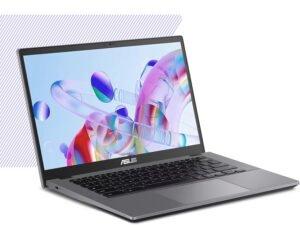
2. ASUS Chromebook Plus CX34
The Chromebook that stopped looking like a Chromebook
CPU: Intel Core i3-1215U (base) or i5-1335U (refreshed model)
RAM/Storage: 8GB RAM, 128-256GB storage
Battery: rated up to 10-13 hours depending on configuration; independent tests found anywhere from 7 to 13 hours depending on brightness and test method
Camera: HD webcam
Reasons to buy
+ Noticeably sharper display than most Chromebooks in this range
+ Handles multiple tabs and video calls without breaking a sweat
+ Genuinely good webcam usually the first thing budget laptops sacrifice
Reasons to avoid
– ChromeOS won’t run traditional desktop software, full stop
– Exact CPU/RAM configuration varies by retailer
– confirm the specific spec sheet before buying
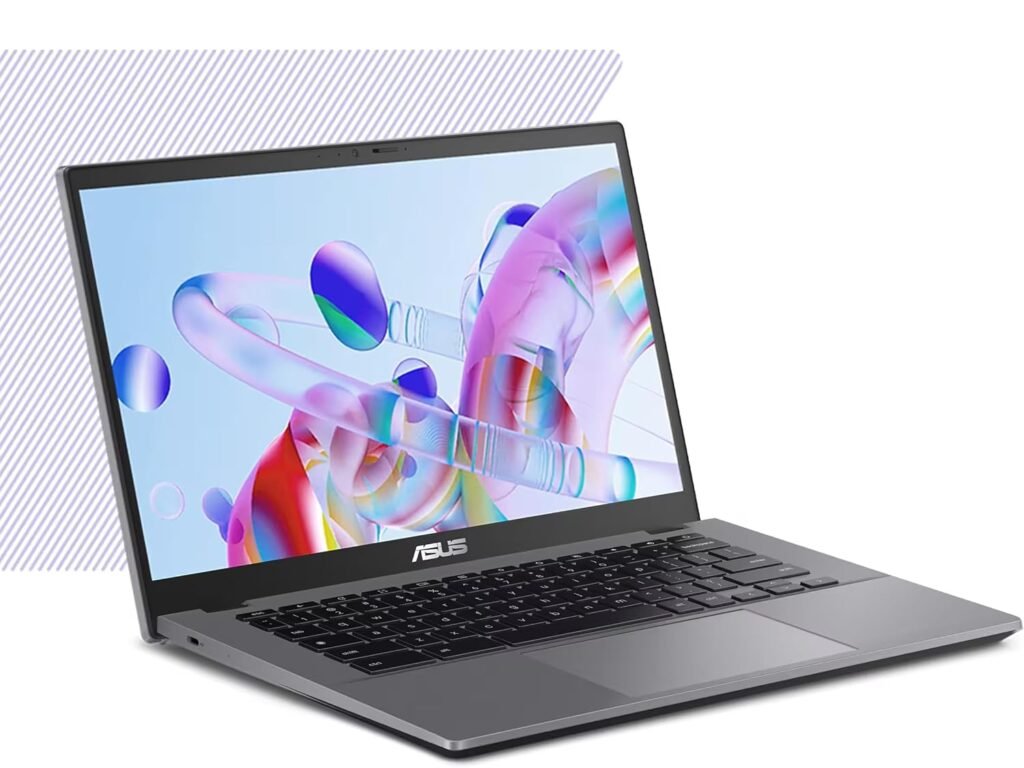
Reviewers keep singling this one out for feeling like it graduated from “budget” without the price tag catching up yet. That’s mostly thanks to a display and webcam that punch well above their weight class the two things budget laptops usually cut first and fastest. As a result, if your work already lives in a browser, this is a legitimate step up from a bargain-bin Chromebook without stepping into bargain-bin Windows pricing to get there.
Best for: anyone whose workload is browser-based and who cares more about screen quality than raw horsepower. Alternatively, if you want AI features baked in too, check the Acer Chromebook Plus 515 below.
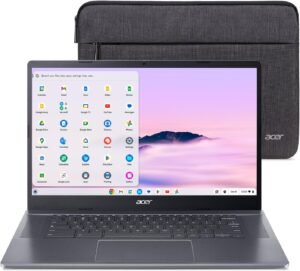
3. Acer Chromebook Plus 515
Proof that “AI features” doesn’t automatically mean “$1,200 laptop”
Battery: rated up to 10 hours; independent tests found roughly 8-9.5 hours (one outlier test as low as 5 hours)
Reasons to buy
+ Genuinely useful Google AI features: real-time video captioning, photo editing tools, AI wallpaper generation
+ Speakers that overdeliver for the price
+ Plenty of ports for connecting monitors and peripherals
Reasons to avoid
– CPU/RAM specifics vary by configuration
– confirm before buying
– The AI features are a nice-to-have, not a reason to buy this over the others on their own
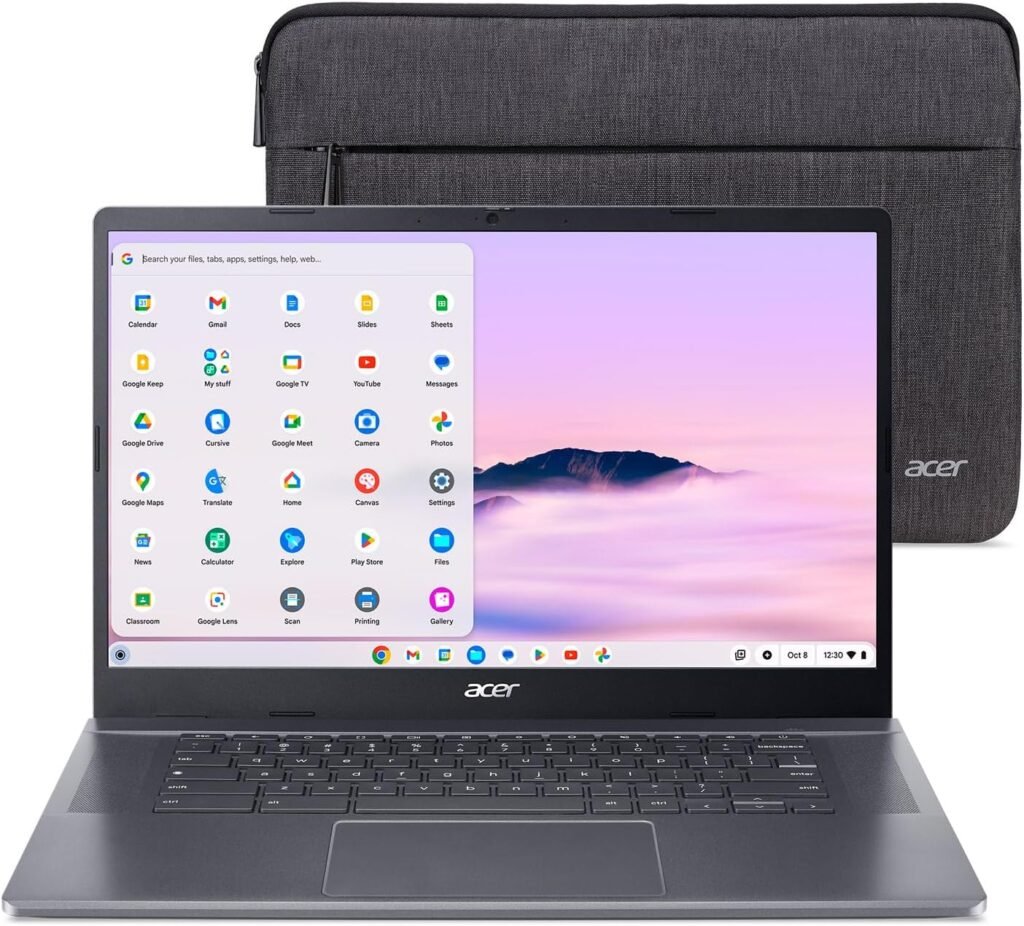
Chromebook Plus models bring Google’s AI toolkit (live captioning, generative wallpapers, photo editing assistance) down to budget hardware, and the 515 is one of the more complete packages under $400. In addition, the 15.6-inch 1080p display and above-average speakers make it just as comfortable for media as it is for actual work.
Best for: Chromebook shoppers who want the AI extras without paying premium prices. If you don’t care about the AI bells and whistles, though, the ASUS Chromebook Plus CX34 above may win on screen quality alone.
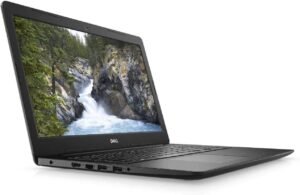
4. Dell Inspiron 15 3520
The laptop equivalent of a reliable sedan, and we mean that as a compliment
CPU: Intel Core i3-1215U or i5-1235U (configuration dependent)
RAM/Storage: 8GB RAM (upgradable to 16GB), 512GB SSD
Battery: 41Wh battery; independent tests range widely from ~4 to ~9.75 hours depending on configuration and workload
Reasons to buy
+ Straightforward Windows reliability from an established line
+ Sits at the top of the under-$500 range, so you’re getting more machine for the money than the cheaper picks above
Reasons to avoid
– Detailed CPU/RAM configuration varies by retailer bundle
– confirm the exact spec sheet before purchase
– It’s not going to turn heads, but that’s kind of the point
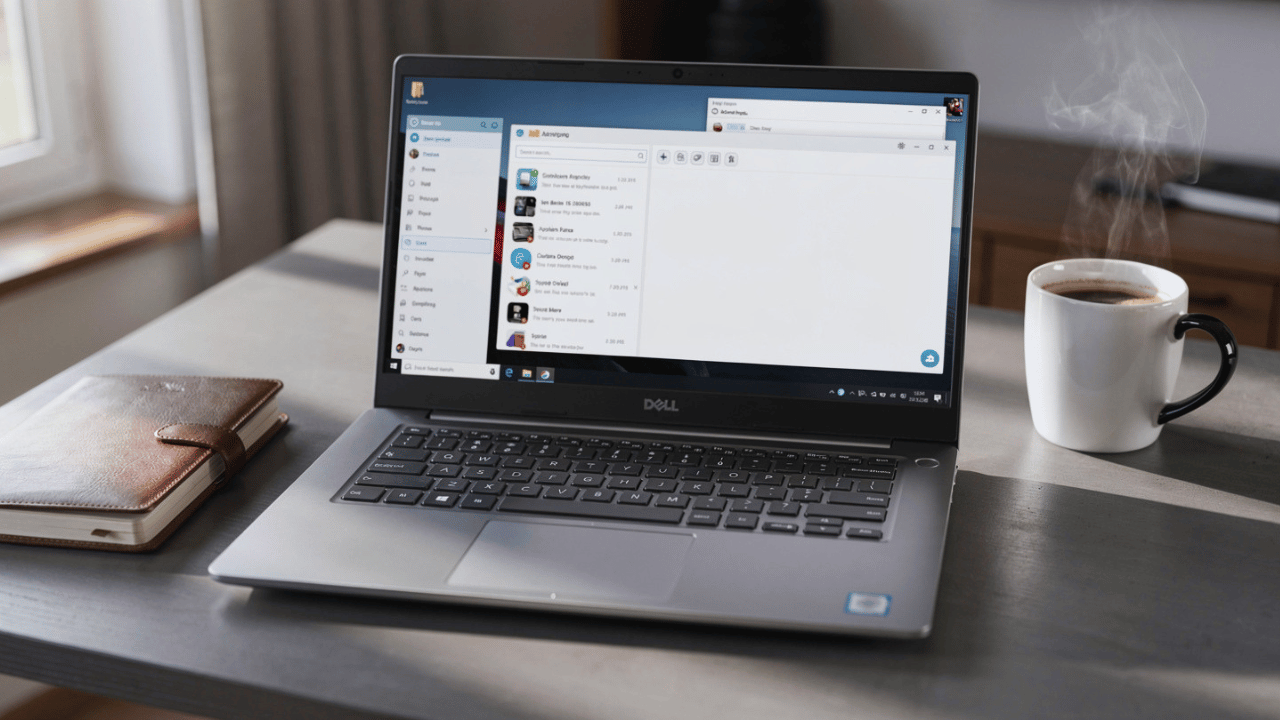
This is the pick for someone who genuinely doesn’t want to think about it: an established, dependable Windows line, priced right at the edge of the $500 ceiling. Sure, it’s not flashy, and it’s not going to show up in anyone’s “look at my new laptop” post – but “reliable and unremarkable” is precisely what a lot of budget laptop shoppers are actually after.
Best for: buyers who want Windows without any 2-in-1 gimmicks or ChromeOS trade-offs, and don’t mind spending closer to the full $500.
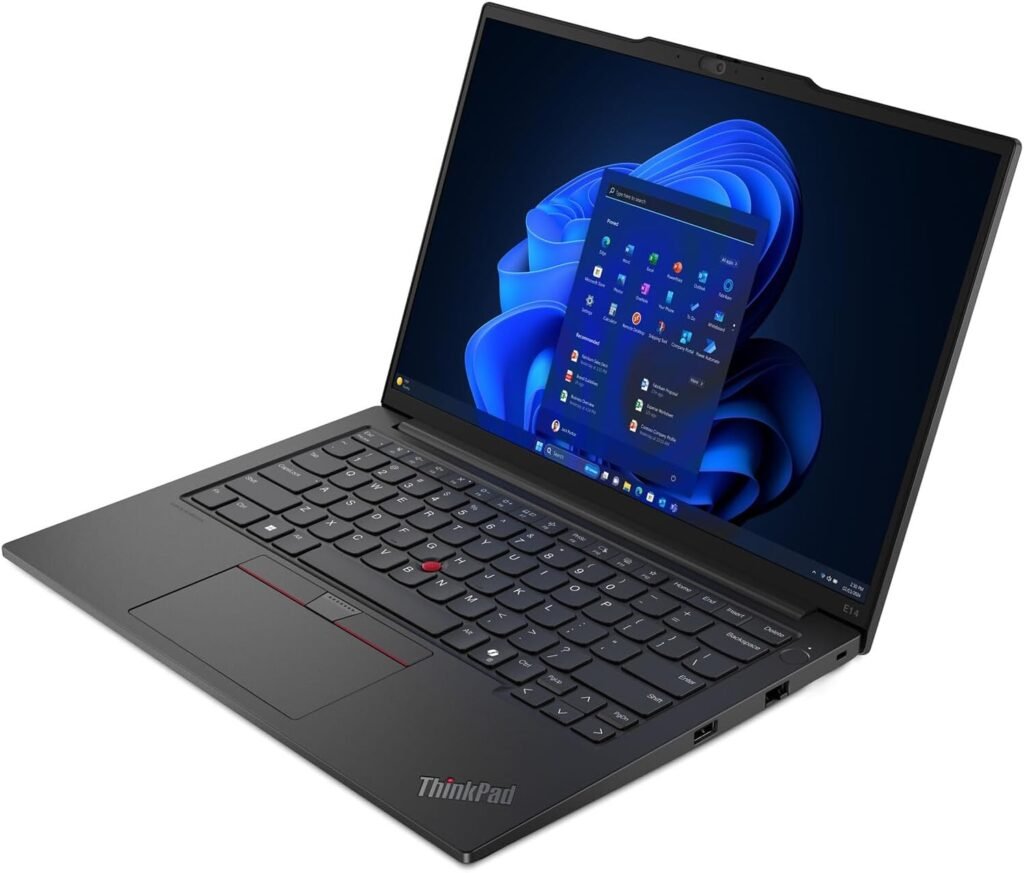
5. Refurbished Lenovo ThinkPad E14/E15
The one where “used” is actually the smart move, not the compromise
+ ThinkPad-grade keyboard and build quality, genuinely rare at this price point
+ Real upgradability – RAM and storage are typically serviceable, unlike most new budget laptops
+ Often better raw specs than new laptops at the exact same price
Reasons to avoid
– It’s used condition and battery health vary unit to unit
– Warranty coverage is thinner than buying new
– Specific generation and configuration varies a lot by seller, so read the listing closely
This is the pick for anyone willing to trade “box-fresh” for meaningfully better hardware. Essentially, a refurbished ThinkPad E14 or E15 regularly out-specs new budget laptops on keyboard feel, build quality, and upgradability, because you’re getting business-grade hardware at consumer-budget pricing once it’s aged out of the corporate refresh cycle.
Related post: Best Mini Laptops 2027 – if portability matters more to you than raw performance, that guide covers laptops small enough to vanish into a bag entirely, several at similar prices to the picks here.
Best for: power users and keyboard enthusiasts who don’t mind buying used, and who’d rather have durability than a “new” sticker.
Laptops under $500 buying guide: quick FAQ
Is 8GB of RAM enough for a laptop in 2027?
It’s the practical minimum, not the target. It handles browsing, documents, and streaming just fine, but heavy multitasking will find its limits fast. As a result, multiple reviewers now treat 8GB as the floor rather than a selling point.
Should I buy a Chromebook or Windows laptop under $500?
If your work is entirely browser-based, a Chromebook like the ASUS Chromebook Plus CX34 or Acer Chromebook Plus 515 often outperforms a similarly priced Windows machine. On the other hand, if you need desktop-only software, stick with Windows picks like the Aspire Go 15 or Dell Inspiron 15 3520.
Is a refurbished laptop a good idea at this price?
Often, yes. For instance, a refurbished business laptop like the ThinkPad E14/E15 can out-spec a new budget laptop for similar money, at the cost of warranty coverage and some uncertainty about battery health.
Can I upgrade RAM or storage on a budget laptop?
Usually not on new budget models, since RAM is typically soldered in. However, refurbished business laptops are the exception, and are often genuinely upgradable.
This post is all about the best laptops under $500 to finally getting a real laptop without the buyer’s remorse.