Best Laptops for Students 2027: 5 Picks That Survive Four Years
This post is all about the best laptops for students to actually surviving four years of deadlines, dead outlets, and dining hall WiFi.
Your laptop is the one piece of gear you’ll touch every single day for the next four years – through 8am lectures, group project calls that run past midnight, and a backpack that’s already too full. Pick the wrong one and you’re stuck hunting for an outlet by 2pm or discovering your major’s required software won’t even run. Here are five real picks, split by what actually matters: budget, major, and how much you care about the Apple ecosystem.
RAM/Storage: 16GB RAM standard (configurable to 24/32GB), 512GB SSD standard
Battery: up to 18 hours video playback, up to 15 hours wireless web
Reasons To Buy
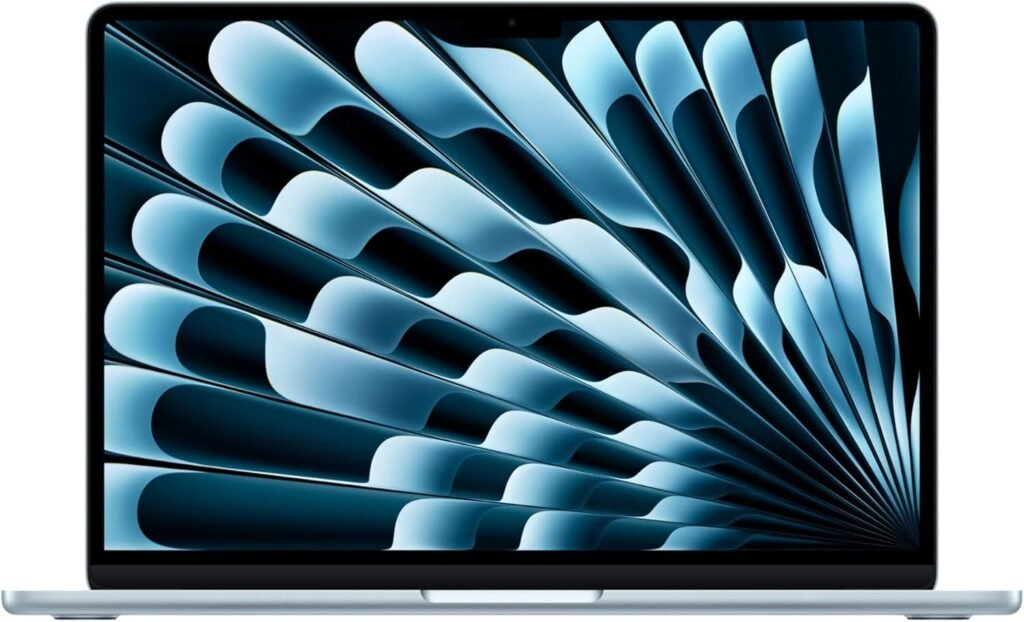
+ Fanless, silent design no whirring fans during a quiet lecture or library session
+ Battery genuinely lasts a full day of classes without hunting for an outlet
+ macOS stability holds up well over four years of daily use
+ Strong resale value if you upgrade before graduation
Reasons to avoid
– Starts at $1,299 meaningfully more than every other pick on this list
– No dedicated GPU, so CAD, heavy simulation, or gaming-adjacent coursework isn’t a fit
– macOS-only software compatibility matters if your major requires Windows-specific programs
Multiple independent buying guides land on the same conclusion here for good reason: the combination of all-day battery life, a silent fanless design, and macOS stability over years of daily use is hard to beat for a general-purpose student laptop. It handles everything from essay writing to light video editing without breaking a sweat, and the M5 chip has enough headroom that it won’t feel dated by senior year.
The fanless design matters more than it sounds like on paper a laptop that stays completely silent during a quiet exam or a library study session is a real, if underrated, quality-of-life upgrade.
Best for: most students across most majors who don’t have a specific Windows-only software requirement. If your coursework does require Windows, though, the ASUS Zenbook 14 OLED below is the closest equivalent in build quality and screen.
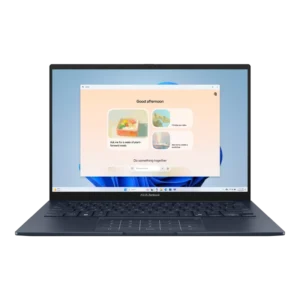
2. ASUS Zenbook 14 OLED
Best screen and value if you need Windows specifically
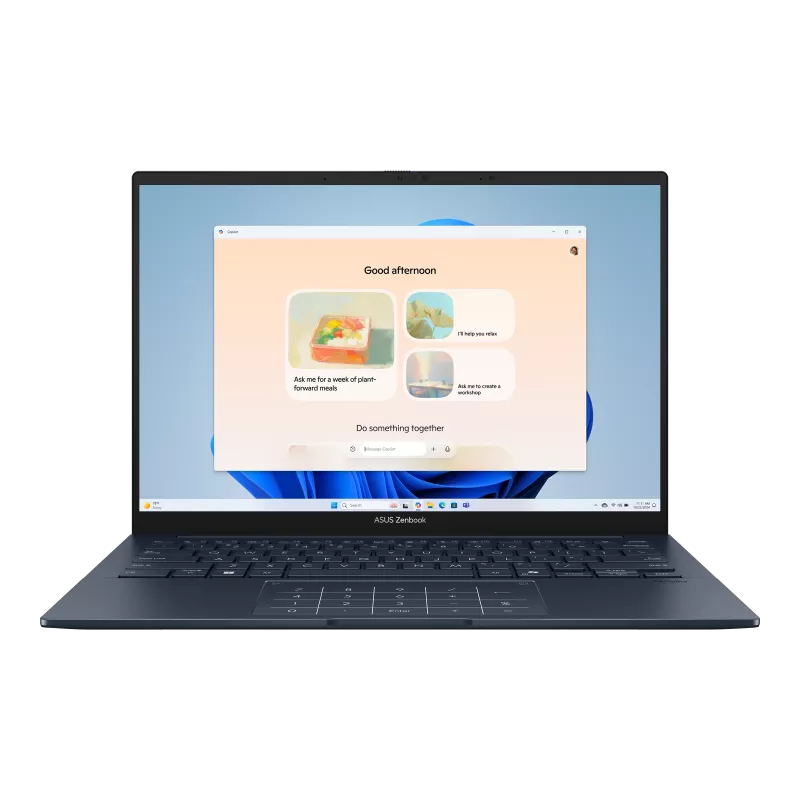
+ OLED display makes reading documents and watching lecture recordings genuinely nicer than an IPS panel
+ 1TB of storage double what most competitors offer at this price
+ Full Windows compatibility for any major-specific software
+ Under 3 lbs, comparable portability to the MacBook Air
Reasons to avoid
– OLED displays historically pull more battery than IPS screens under heavy brightness
– Windows laptops in this class generally see more variation in build quality than Apple’s unibody construction
If your major requires Windows-only software, the Zenbook 14 OLED is the closest match to the MacBook Air’s combination of premium build and all-day usability and it beats the Air outright on two fronts: screen technology and raw storage. An OLED panel at this price point is genuinely unusual, and 1TB of storage means you won’t be juggling external drives by junior year.
Best for: Windows-committed students who want the nicest screen available at this price, without stepping up into premium business-laptop territory. If your major leans more technical – engineering, CS, CAD work – the ThinkPad X1 Carbon below is worth the extra consideration.
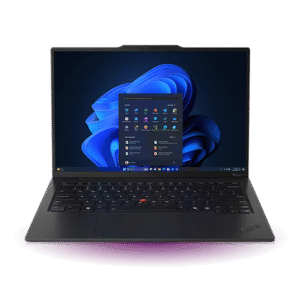
3. Lenovo ThinkPad X1 Carbon Gen 13
The keyboard and reliability CAD, MATLAB, and coding majors actually need
RAM/Storage: 16-32GB RAM depending on configuration, 512GB-2TB SSD (Gen 5)
Battery: 57Wh, customer-replaceable; reviewers rate it among the strongest on this CPU platform, though exact hours weren’t consistently reported – confirm before publishing
Reasons to buy
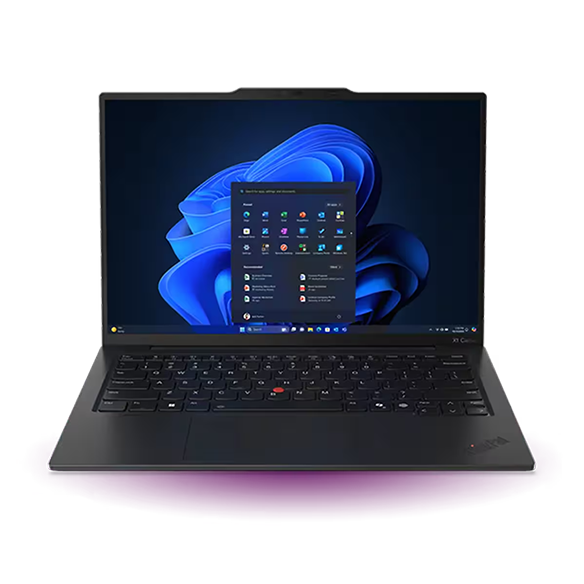
+ Legendary ThinkPad keyboard genuinely matters for students doing heavy coding or long writing sessions
+ MIL-SPEC tested durability, built for four years of backpack abuse
+ Customer-replaceable battery extends the laptop’s usable life well past graduation
+ Strong single-core performance, good for compile times and coding-heavy workflows
Reasons to avoid
– Multicore performance trails some competitors by 10-20% in independent benchmarks
– Premium price point this is the priciest pick on the list alongside the MacBook Air
– 60Hz default refresh rate despite 120Hz-capable hardware, to preserve battery life
STEM and engineering students running CAD software, MATLAB, or coding environments need a laptop that won’t buckle under real workloads, and the X1 Carbon’s reputation for reliability in academic and business settings is genuinely earned. The keyboard alone is worth calling out for anyone doing extended coding or writing sessions, it’s noticeably better than most ultrabook keyboards.
The customer-replaceable battery is a detail worth appreciating too: it means this laptop can realistically stay in service well beyond a four-year degree, rather than needing replacement once the battery degrades.
Best for: engineering, computer science, and other technical majors who need genuine reliability and a keyboard built for heavy daily use. If your coursework doesn’t demand that level of performance, the ASUS Zenbook 14 OLED above gets you similar build quality for less.
4. Acer Aspire Go 15
Real Windows performance for a fraction of the price
+ MSRP around $299 a fraction of every other pick on this list
+ 8-core CPU is unusually capable for the price
+ DDR5 memory, not the older/slower DDR4 still common at this price point
+ Comfortable keyboard for a budget machine
Reasons to avoid
– No keyboard backlight 8GB RAM is the practical ceiling here, not a starting point
– Won’t handle major-specific software with heavy computational demands
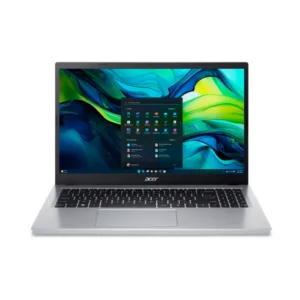
Multiple independent reviewers landed on the same verdict: this is the best-value laptop in its price bracket, full stop. For students on a tight budget who mainly need something for papers, research, browser-based coursework, and video calls, the Aspire Go 15 delivers real performance without the premium price tag of the picks above it.
Best for: budget-conscious students who need a genuinely capable Windows laptop without stretching into four-figure territory. If you don’t need Windows specifically, the ASUS Chromebook Plus CX34 below is worth comparing at a similar price.
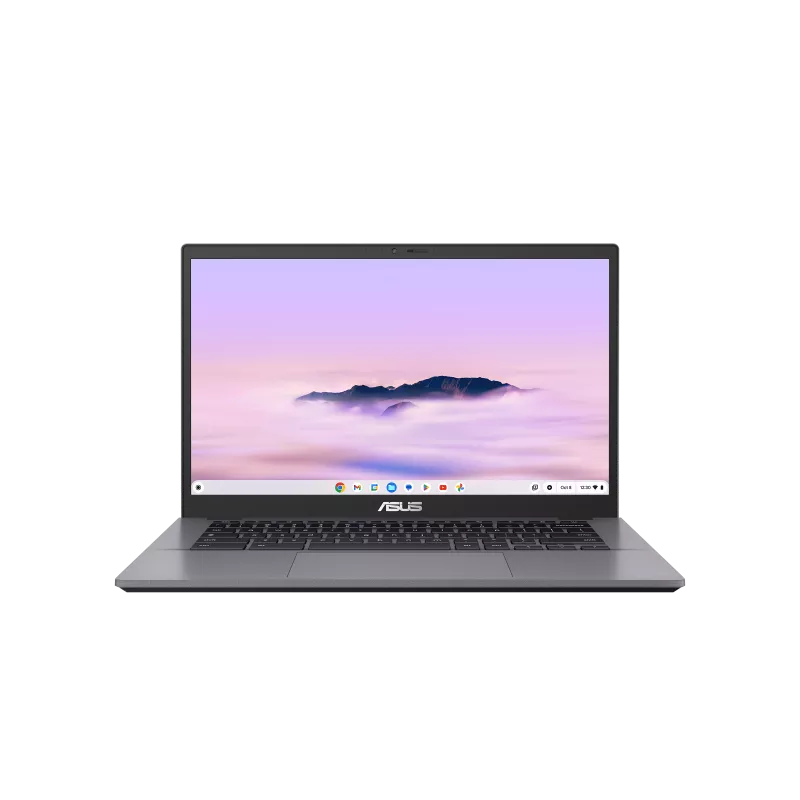
5. ASUS Chromebook Plus CX34
For students whose entire workload already lives in a browser
CPU: Intel Core i3-1215U (base) or i5-1335U (refreshed model)
RAM/Storage: 8GB RAM, 128-256GB storage
Battery: rated up to 10-13 hours depending on configuration; independent tests found anywhere from 7 to 13 hours
Reasons to buy
+ Sharp display and genuinely good webcam Chromebooks usually cut these first
+ Handles a heavy load of browser tabs and video calls without slowing down
+ ChromeOS stays fast over time, unlike budget Windows machines that slow down after a year
+ Comparable price to the Acer Aspire Go 15 above, different tradeoffs
Reasons to avoid
– ChromeOS won’t run traditional desktop software a real limitation if your major needs it
– Not a fit for any coursework requiring specific Windows or macOS applications
Related post: Best Laptops Under $500 in 2027 covers this Chromebook in more depth alongside other budget picks, if price is your primary constraint. For students specifically, the appeal is straightforward: if your entire workload is Google Docs, Google Classroom, and browser-based research, ChromeOS’s simplicity and long-term speed consistency beats fighting with a budget Windows machine that slows down by sophomore year.
Best for: students whose coursework is entirely browser and cloud-based, and who want a laptop that stays fast for all four years without maintenance. If you need any desktop-only software, the Acer Aspire Go 15 above is the safer choice.
Student laptop buying guide: quick FAQ
Mac or Windows for college?
If you don’t have a major-specific software requirement, either works well – it comes down to preference and budget. Engineering, CAD, and some CS programs often require Windows-only software, so check your department’s requirements before deciding.
How much RAM do I actually need for college?
16GB is the practical baseline for 2027. It handles Microsoft Office, web browsing, streaming, and light coding comfortably. STEM students running data-heavy applications or virtual machines should consider 32GB if it’s available in their budget.
Is a Chromebook good enough for college?
Yes, if your coursework is genuinely browser and cloud-based. It’s a real limitation the moment you need desktop-only software, so check your major’s requirements first.
Should I buy a laptop with a touchscreen for note-taking?
It’s useful for apps like OneNote or annotating PDFs and slides with a stylus, but not essential for most majors. Touchscreen models tend to be slightly heavier and pricier for the same specs.
This post is all about the best laptops for students to actually surviving four years of deadlines, dead outlets, and dining hall WiFi.