Best Laptops for Kids 2027: 5 Picks That Survive Real Childhoods
This post is all about the best laptops for kids to actually surviving contact with an actual child.
Here’s the uncomfortable truth about shopping for a kid’s laptop: the laptop doesn’t need to impress you, it needs to survive a backpack, a spilled juice box, and roughly zero gentle handling. So instead of chasing the specs that matter for adults, this list is built around what actually matters for kids – durability, battery life, and parental controls that don’t require an IT degree to set up. Here are five picks that split by age and need, so you’re not stuck comparing a first-grader’s laptop against a high schooler’s.
Battery: rated up to 13 hours (independent tests found 10-14 hours depending on usage)
Reasons To Buy
+ Independently recommended as a top pick by established reviewers, not just retailer marketing
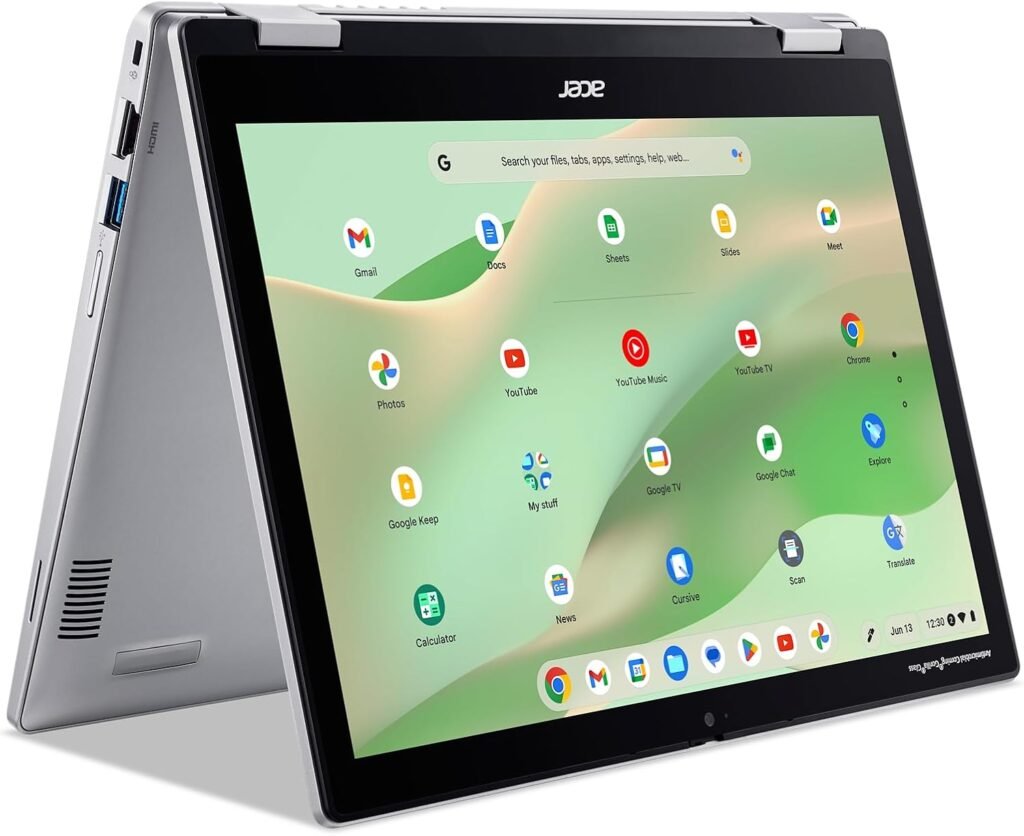
+ 2-in-1 design flips into tablet mode handy for reading, drawing, or watching something once homework’s done
+ Compact and lightweight, genuinely sized for smaller hands
+ ChromeOS brings robust, parent-friendly control features built in
Reasons to avoid
– Exact CPU/RAM configuration varies by retailer and year confirm the specific listing before buying
– ChromeOS won’t run traditional Windows desktop software, a real limitation for some school programs
Independent reviewers keep landing on this one as the pick to beat in the kids’ laptop category, and the reasoning holds up: it’s compact, it’s durable, and the 2-in-1 hinge means it doubles as a tablet the moment schoolwork wraps up. That flexibility matters more for kids than adults, since a laptop that can also just be a drawing tablet gets more use out of the same device.
ChromeOS, meanwhile, is doing a lot of quiet work here too. Parental controls, content filtering, and screen time limits are built into the operating system rather than bolted on through third-party software, which means less setup headache for parents and fewer ways for a kid to work around it.
Best for: parents who want one well-reviewed, durable pick without wading through spec sheets themselves. That said, if all-day battery life is the priority over durability, the HP Chromebook 14 below is worth a look too.
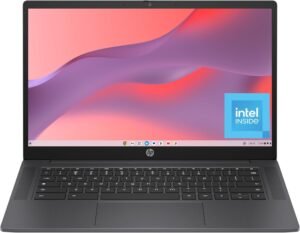
2. HP Chromebook 14
Built to outlast a full school day without hunting for an outlet
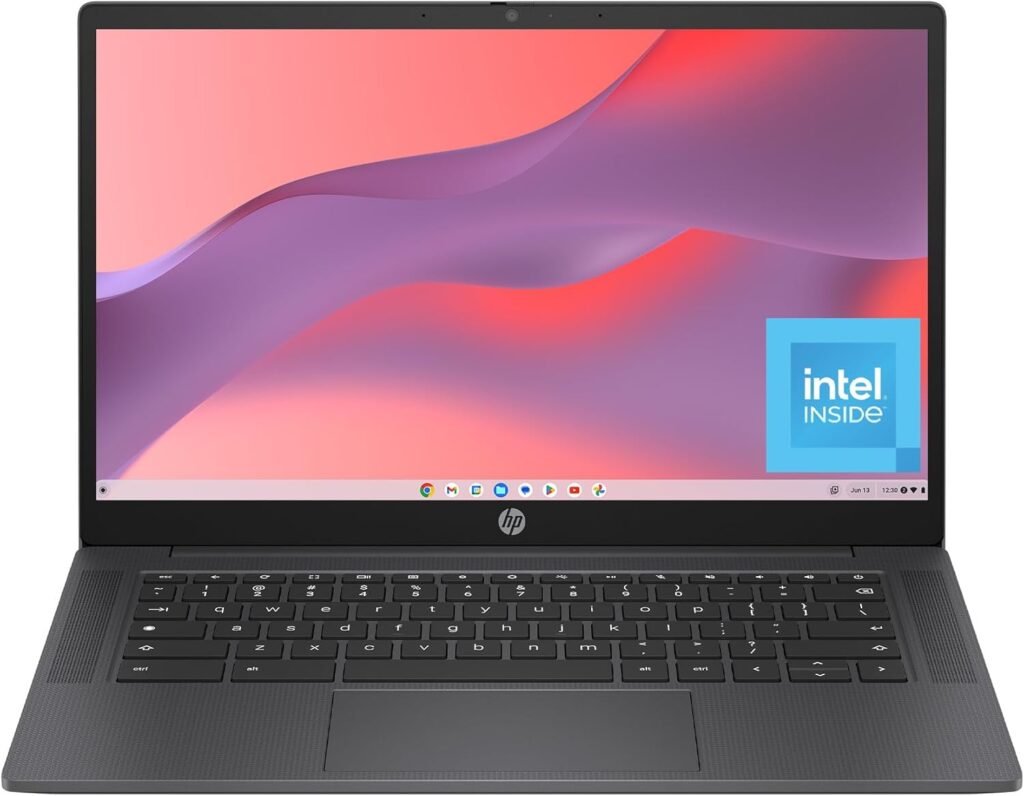
+ Large 14-inch display makes reading and video calls noticeably easier than smaller kids’ laptops
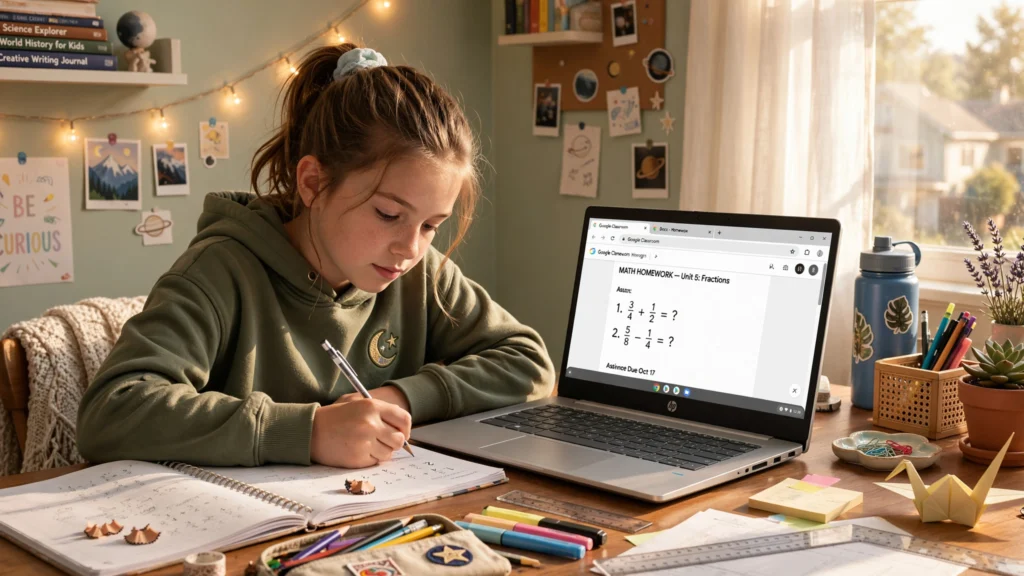
+ ChromeOS integrates cleanly with Google Classroom, a common school platform
+ Straightforward setup, minimal ongoing maintenance for parents
Reasons to avoid
– 4GB RAM is on the lean side expect it to slow down with many browser tabs open at once
– 32GB storage is tight if your kid saves a lot of files locally rather than in the cloud
The bigger 14-inch screen is the standout feature here, since most budget kids’ laptops compress everything into an 11 or 12-inch display that gets cramped fast for reading assignments or sitting through a video call. Google Classroom integration, similarly, is a genuine convenience for any school that’s built its workflow around it rather than traditional desktop software.
The trade-off is memory. 4GB of RAM is workable for browsing and cloud-based schoolwork, but it’s not a machine built for heavy multitasking, so set expectations accordingly.
Best for: families whose school already runs on Google Classroom and who want a bigger screen without stepping up in price. If your kid needs more storage or horsepower, though, the Dell Vostro 15 further down is the better fit.
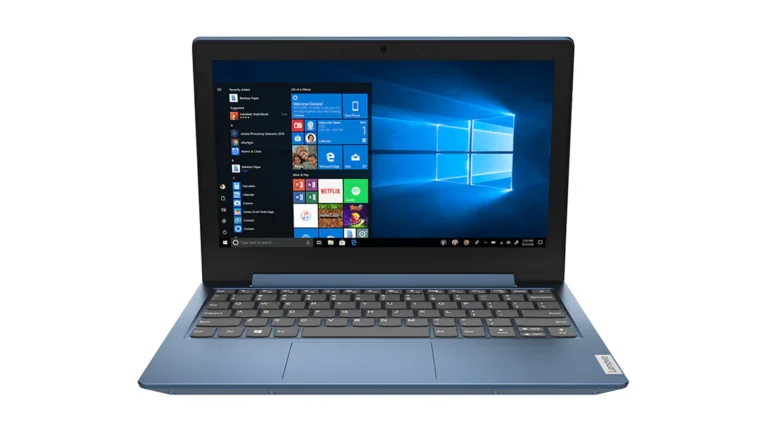
3. Lenovo IdeaPad 1 11"
Light enough for small hands, simple enough for a first laptop
CPU: Intel Celeron N-series (varies by sub-model/year)
RAM/Storage: 4GB RAM, 64GB-256GB storage (varies by sub-model)
Battery: rated ~7-8 hours (Lenovo’s own MobileMark testing)
Reasons to buy
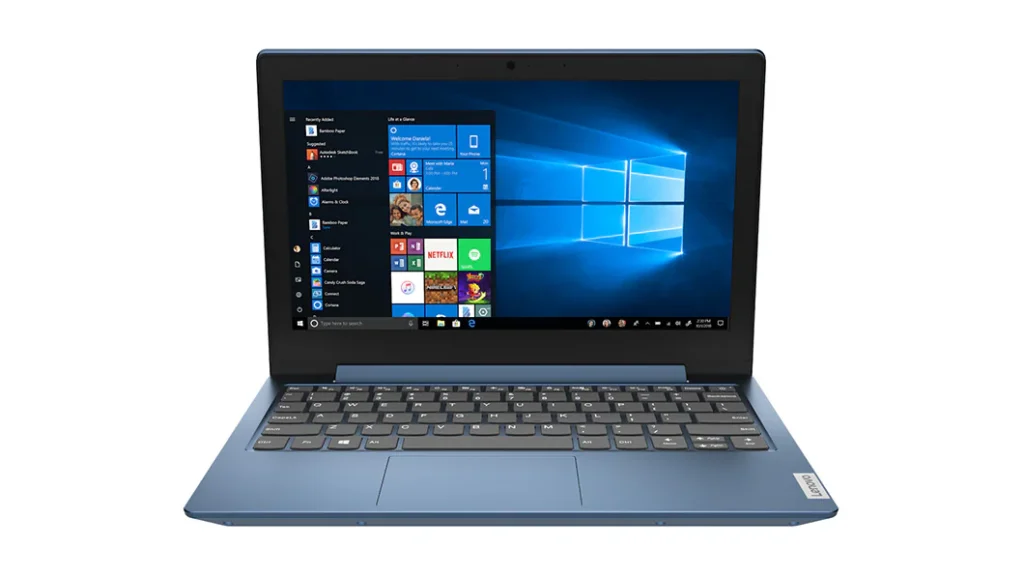
+ Genuinely sized and weighted for younger kids, not just a smaller adult laptop
+ Simple interface reduces the learning curve for a first-time computer user
+ Budget-friendly price point, appropriate for a device young kids are still learning to handle carefully
Reasons to avoid
– Detailed CPU/RAM specs vary by configuration confirm the current listing before buying
– The small size and simplicity that suit a first-grader will likely be outgrown within a couple of years
This is the pick for the “first laptop ever” moment rather than a device meant to last through high school. The 11-inch size and light weight are proportioned for smaller kids specifically, not just a scaled-down version of an adult laptop, and the simplicity of the interface matters more here than raw performance.
Best for: younger kids getting their first laptop, where ease of use and manageable size matter more than horsepower. Older kids with more demanding schoolwork are better served by the Dell Vostro 15 or HP Chromebook 14 above.
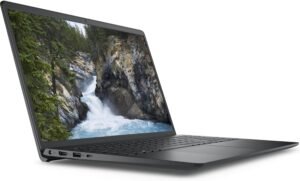
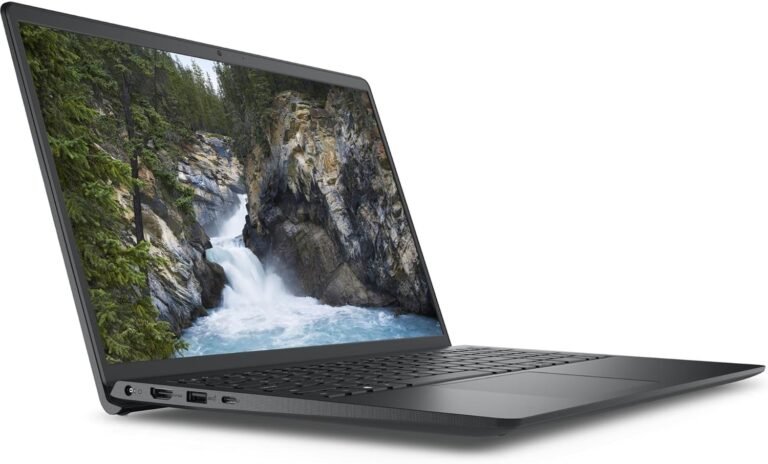
4. Dell Vostro 15 3530
A real Windows laptop for real homework, once Chromebooks stop cutting it
Battery: not consistently reported across sources – confirm on the specific listing before publishing
Weight: ~4.19 lbs (1.90 kg) for the standard plastic chassis
GPU: Integrated Intel graphics standard; discrete NVIDIA GeForce MX550 available on higher configs
Reasons to buy
+ Full Windows 11, not ChromeOS necessary once school software requires desktop applications
+ 8GB of RAM and an SSD handle real multitasking noticeably better than budget Chromebooks
+ Dell’s Vostro line is built with business grade reliability, not just consumer grade parts
Reasons to avoid
– Windows 11 requires more parental control setup than ChromeOS’s built-in system
– Priced above the Chromebook picks on this list, reflecting the step up in real capability
– The Vostro 15 name spans several generations and CPU/RAM/GPU configurations – confirm you’re looking at the current 3530 model, not an older listing
There comes a point, usually around middle or high school, where ChromeOS stops being enough specific software requirements, more demanding assignments, or just needing real multitasking headroom.
That’s exactly where the Vostro 15 3530 fits. The entry Core i3-1305U processor and 8GB of RAM aren’t flashy, but paired with an SSD they handle actual schoolwork noticeably better than the Chromebooks above, and Dell offers configurable upgrades to i5, i7, or up to 16GB RAM if a family wants more headroom from the same base model.
Best for: older kids and students who’ve outgrown ChromeOS and need genuine Windows compatibility for school software. Younger kids, on the other hand, are usually better served by the simpler and cheaper Chromebook picks above.
Related post: Best Laptops for Students 2027 if your “kid” is actually heading to college soon, that guide covers the step up from a kid’s laptop to something built for a full course load.
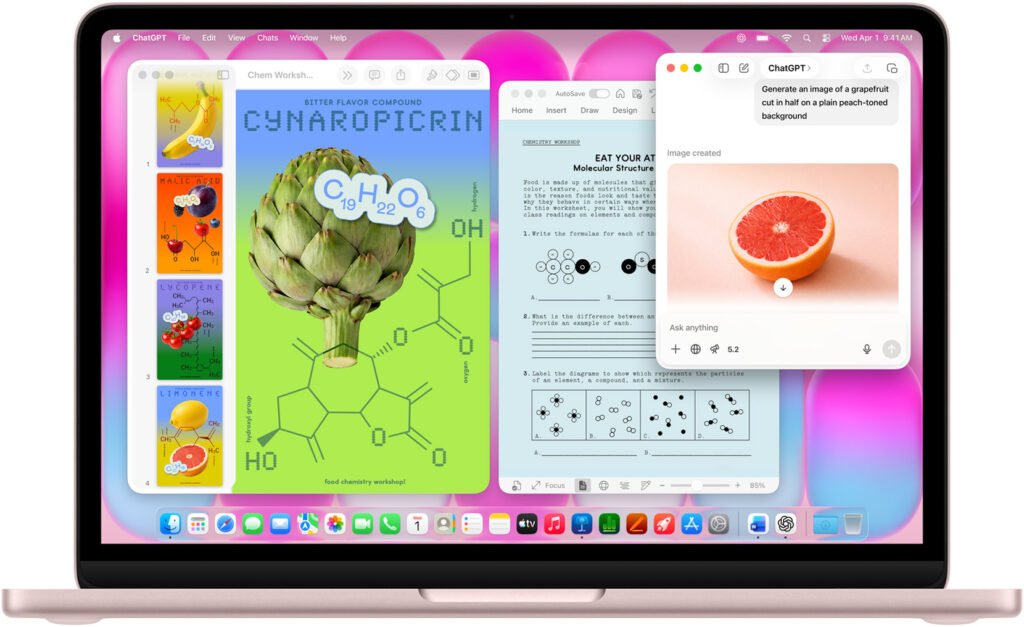
5. MacBook Neo
Apple’s actual budget Mac, and a genuinely better fit for a kid’s laptop than the MacBook Air
RAM/Storage: 8GB RAM (fixed, not configurable), 256GB SSD (base) or 512GB (+$100, adds Touch ID)
Battery: up to 16 hours
Weight: 2.7 lbs
Price: started at $599 ($499 education) at March 2026 launch; increased $100 in June 2026 amid industry-wide memory shortages – confirm current price before publishing
Reasons to buy
+ Apple’s first genuinely budget-priced MacBook in over a decade, explicitly positioned by Apple and reviewers as a fit for students, kids, and first-time Mac buyers
+ Full aluminum build and macOS, not a plastic-feeling “cheap Mac” reviewers describe day-to-day use as comparable to Apple’s pricier machines
+ iFixit found it Apple’s most repairable laptop in 14 years a real plus for a device that’ll take a kid’s daily abuse
+ Up to 16 hours of battery life and genuinely strong single-core performance for everyday tasks
Reasons to avoid
– 8GB of RAM is fixed with no configuration option a hard ceiling, not a starting point
– No Thunderbolt 4 and no backlit keyboard on the base model, real trade-offs versus the pricier MacBook Air
– sRGB display rather than the Air’s wider P3 color coverage
– Apple’s Mac pricing has been unusually volatile in 2026 due to memory shortages confirm the exact current price before buying or publishing
This is a genuinely different animal from the MacBook Air, not just a cheaper version of it. Apple built the Neo around the A18 Pro chip (the same one in the iPhone 16 Pro) rather than an M-series chip, specifically to hit a price point competitive with Chromebooks and budget Windows laptops and reviewers have consistently confirmed it doesn’t feel like a stripped-down machine wearing Apple branding. For a kid’s laptop specifically, that combination of real Apple build quality, macOS, and a price under $700 is a much easier sell than the Air’s four-figure starting price.
Best for: families who want genuine Apple ecosystem integration for their kid without the MacBook Air’s price tag. If your child needs more than 8GB of RAM for heavier workloads, or you specifically want the Air’s better display and Thunderbolt support, that’s the trade-off to weigh – the Dell Vostro 15 3530 above remains the better pick if you need configurable RAM on a budget instead.
Laptops for kids buying guide: quick FAQ
Chromebook or Windows laptop for kids?
If the school uses Google Classroom and the work is mostly browser-based, a Chromebook is simpler to manage and cheaper to replace if it breaks. Once schoolwork requires specific desktop software, a Windows laptop like the Dell Vostro 15 becomes the better fit.
What specs actually matter for a kid’s laptop?
Durability and battery life matter more than raw performance for most kids. 4GB of RAM is workable for browsing and cloud-based schoolwork; 8GB is worth it once real multitasking or Windows software enters the picture.
Is it worth buying a MacBook for a child?
It can be, mainly for longevity and Apple ecosystem integration rather than raw specs. It’s the priciest option here, so it makes the most sense for families already using other Apple devices.
How do parental controls differ between Chromebooks and Windows laptops?
ChromeOS has parental controls built into the operating system itself, which tends to be simpler to set up. Windows 11 has its own family safety tools too, but they typically require a bit more manual setup.
This post was all about the best laptops for kids to picking a laptop that’ll outlast the backpack it rides around in.